Framer
This guide walks you through creating a Framer API key for CMS integration so Sitefire can publish content to your site.
Open Site Settings
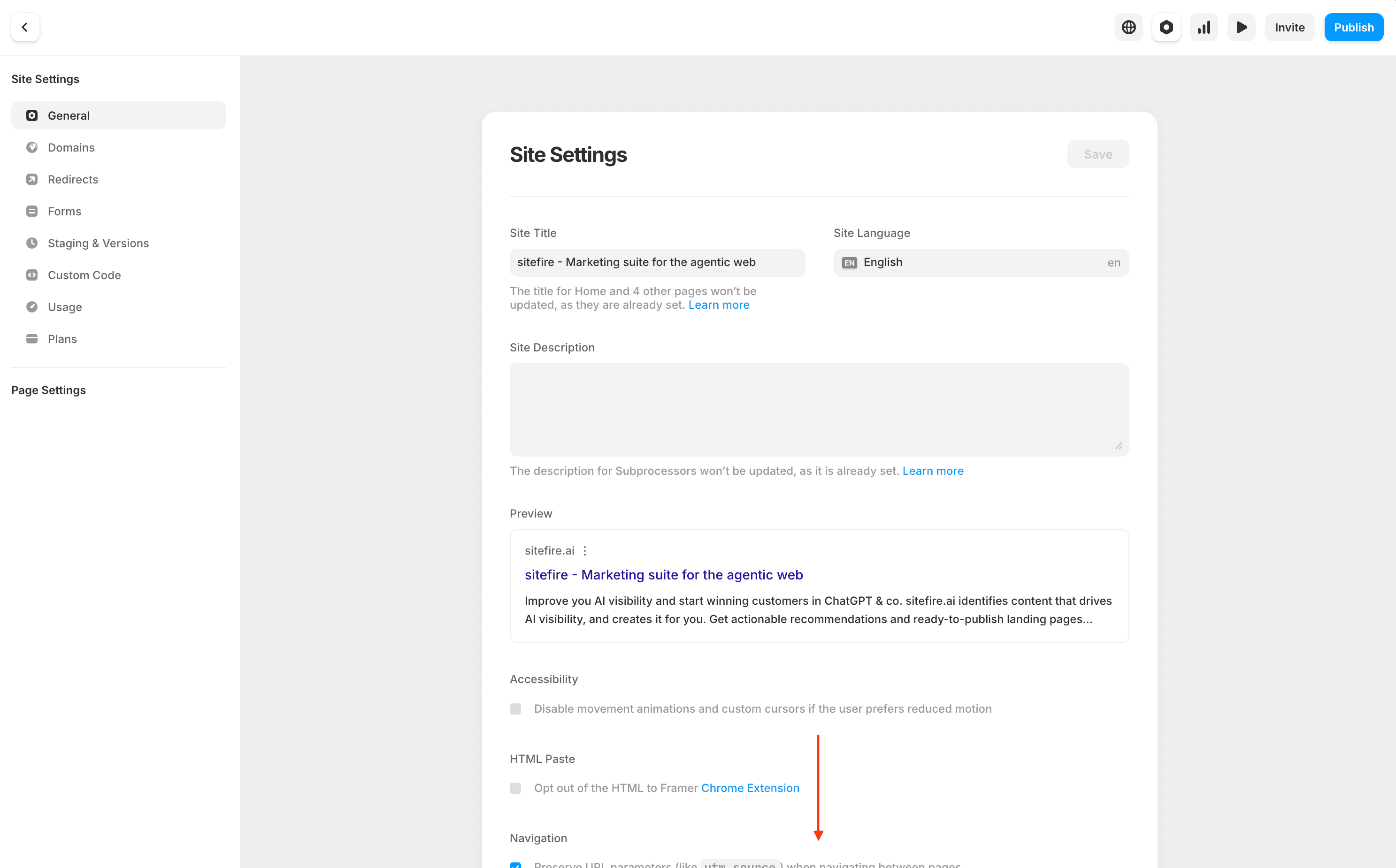
In the Framer editor, click the gear icon (top-right) to open Site Settings. Make sure you’re on the General tab in the left sidebar, then scroll down past Site Title, Site Description, and Preview.
Create an API Key
Scroll down to the API Keys section and click Add API Key.
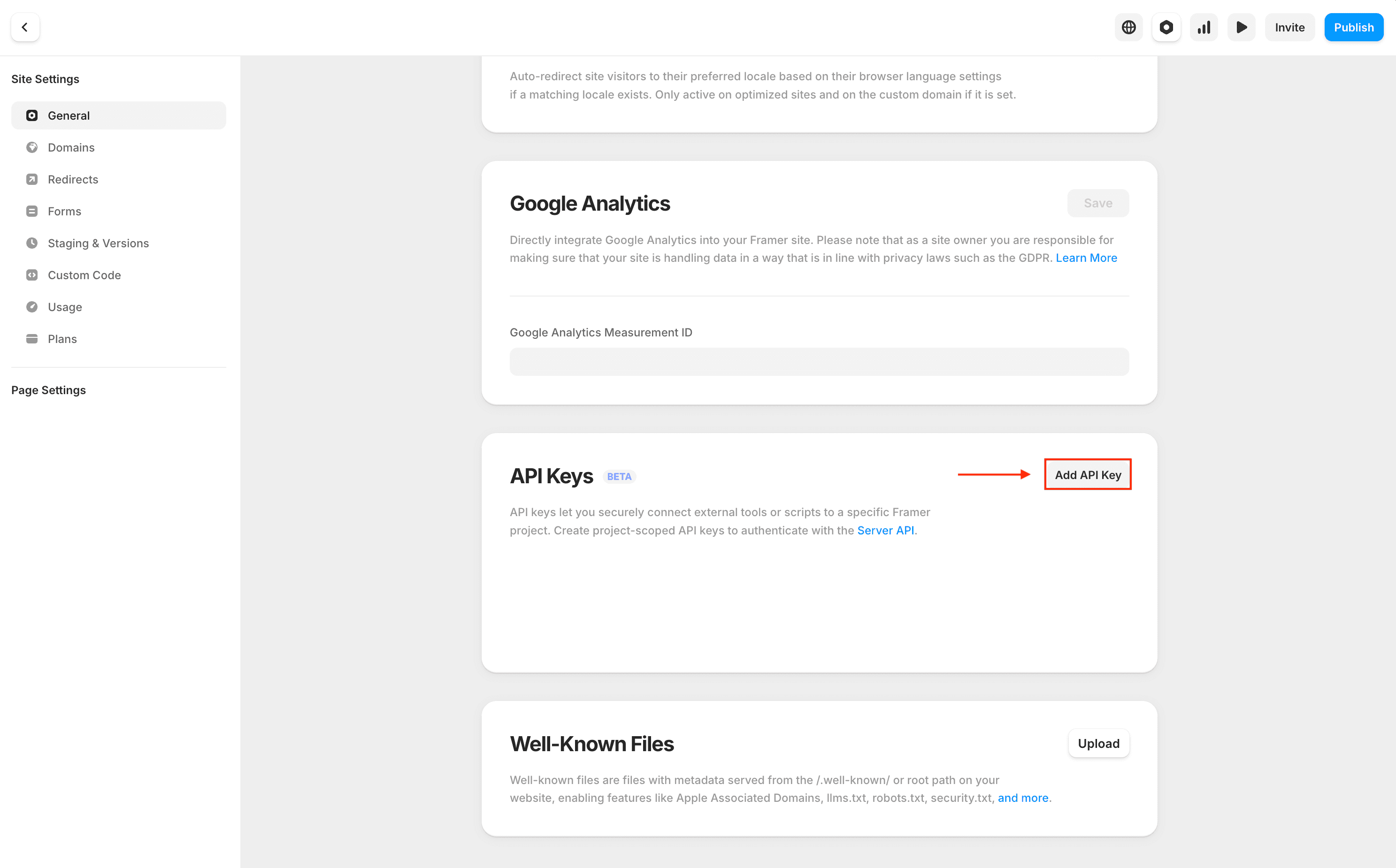
Copy the generated key immediately - it won’t be shown again.
Paste the key into the API Key field in Sitefire when connecting your Framer project. Then choose your collection and map your fields to finish setup.
Last updated on