Custom Reports are here
November 26, 2026
Your monthly AI visibility report no longer takes an afternoon of screenshots. With Custom Reports, it takes minutes.
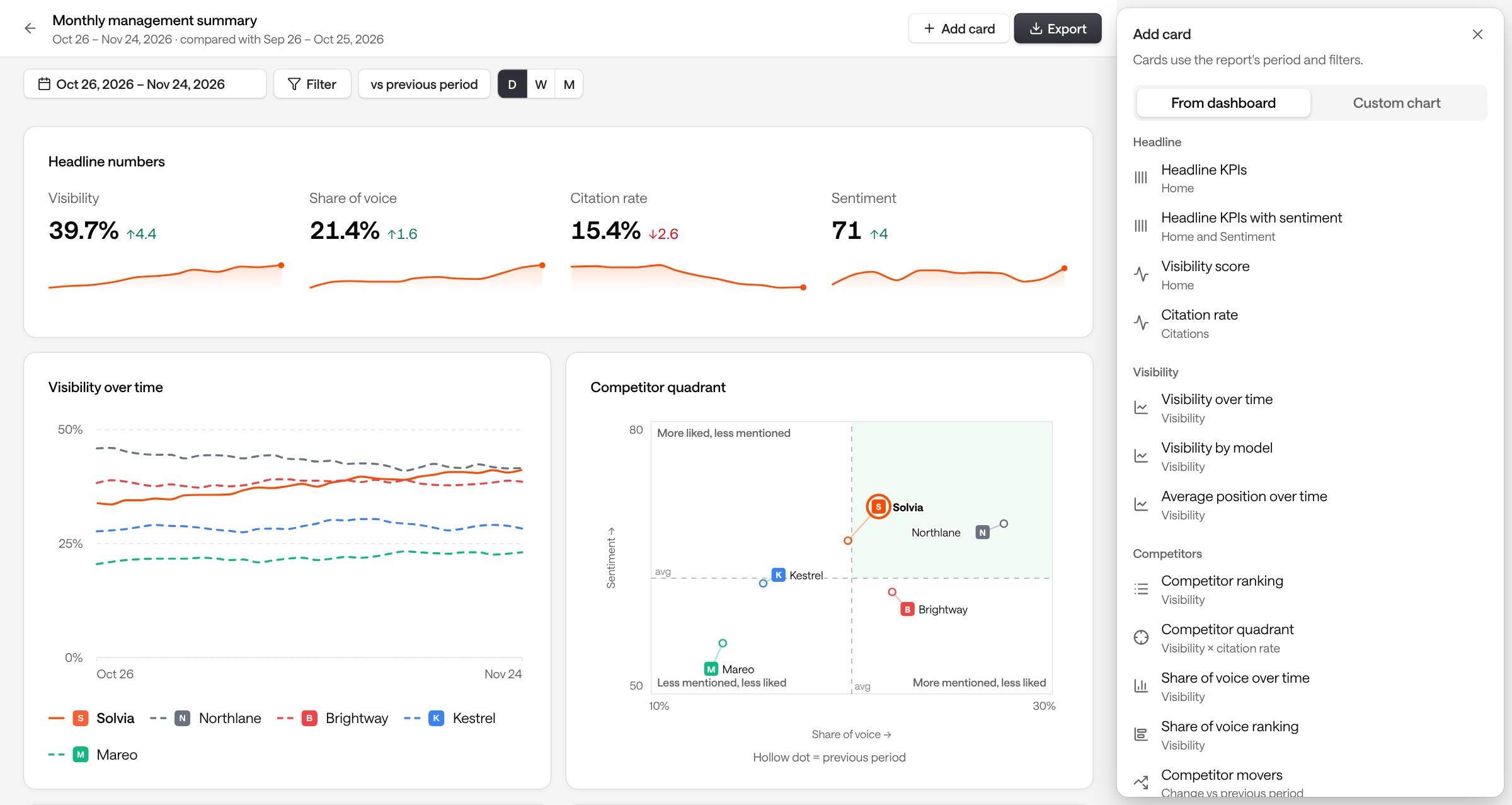
Build your management report in minutes
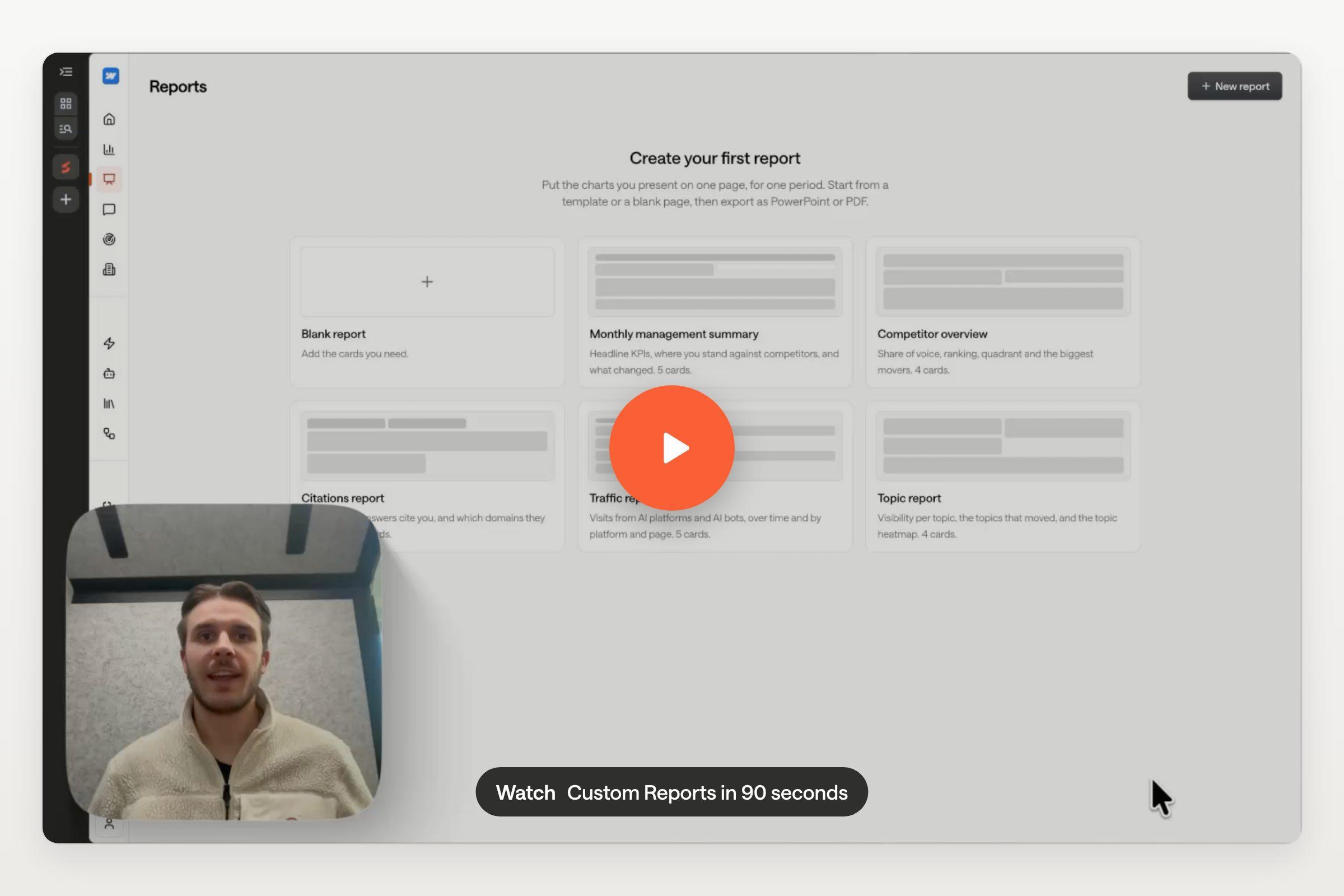
Start from a template or a blank page, and add any chart from your dashboards: visibility, citations, AI traffic, topics and more. On any dashboard chart, click Add to report to collect charts while you explore.
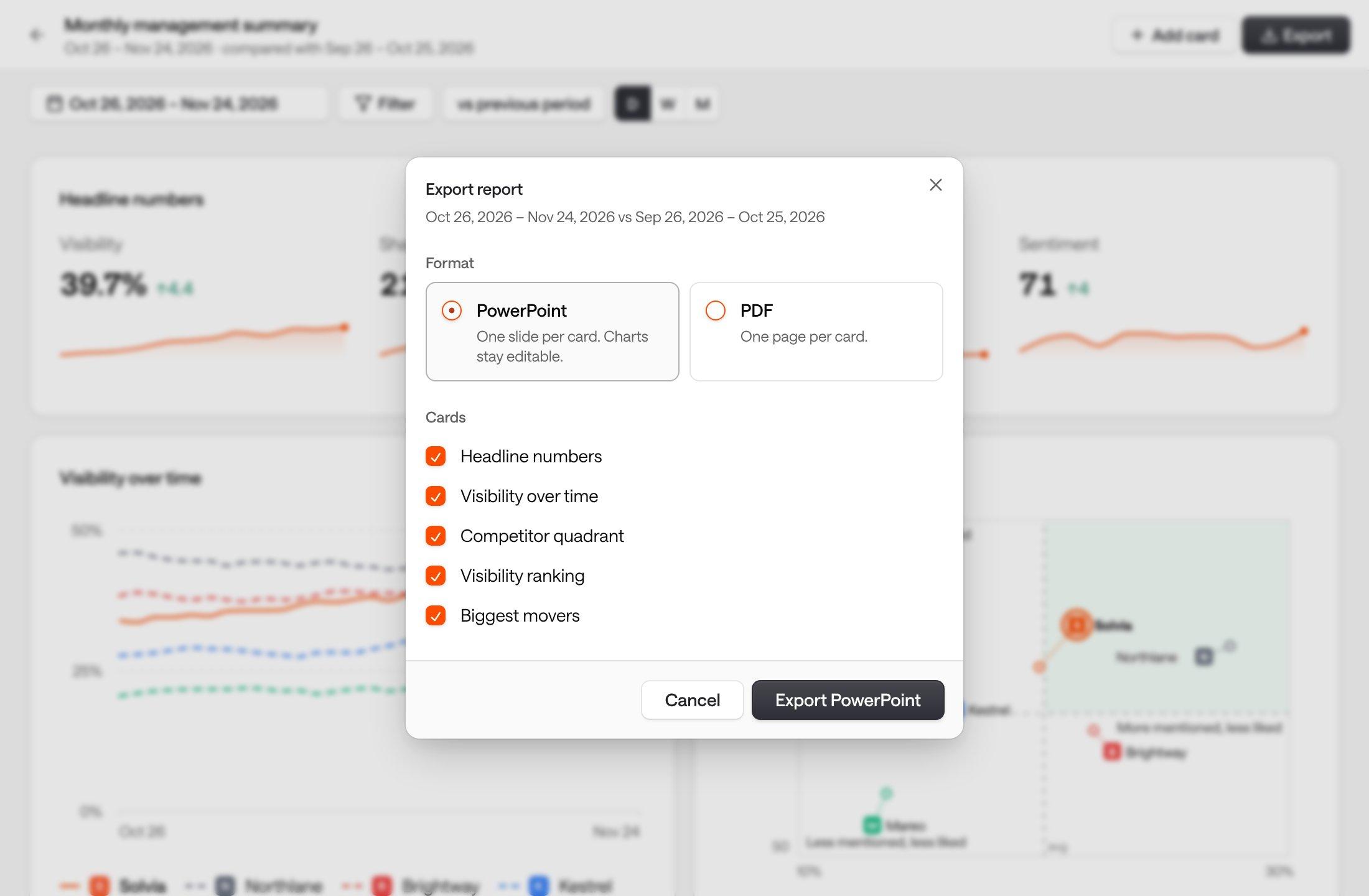
Export it as PowerPoint, with charts you can still edit, or as PDF. Pick which cards go in.
Small improvements
- One demand scale. Prompt Research and topics now use the same scale.
- Clearer action names. Editorial is now Earned Media, and Engage on UGC is now Social Engagement.
- A steadier sign-in. The sign-in screen no longer jumps around.
- Accessibility. Many keyboard, contrast and screen reader fixes. Read our accessibility statement.
- New docs. The docs are now sorted by product area, with new pages for Reports, Actions and Prompt Research.
- Security pack. Need it for a vendor review? Email founders@sitefire.ai.
Last updated on