Organize, inspect, and personalize your prompts
June 19, 2026
Three updates that make your prompt list easier to organize, dig into, and slice by persona.
We refreshed Sitefire’s home screen. When you log in, you can see your KPIs at a glance, your setup instructions, as well as the top opportunities to improve your visibility.
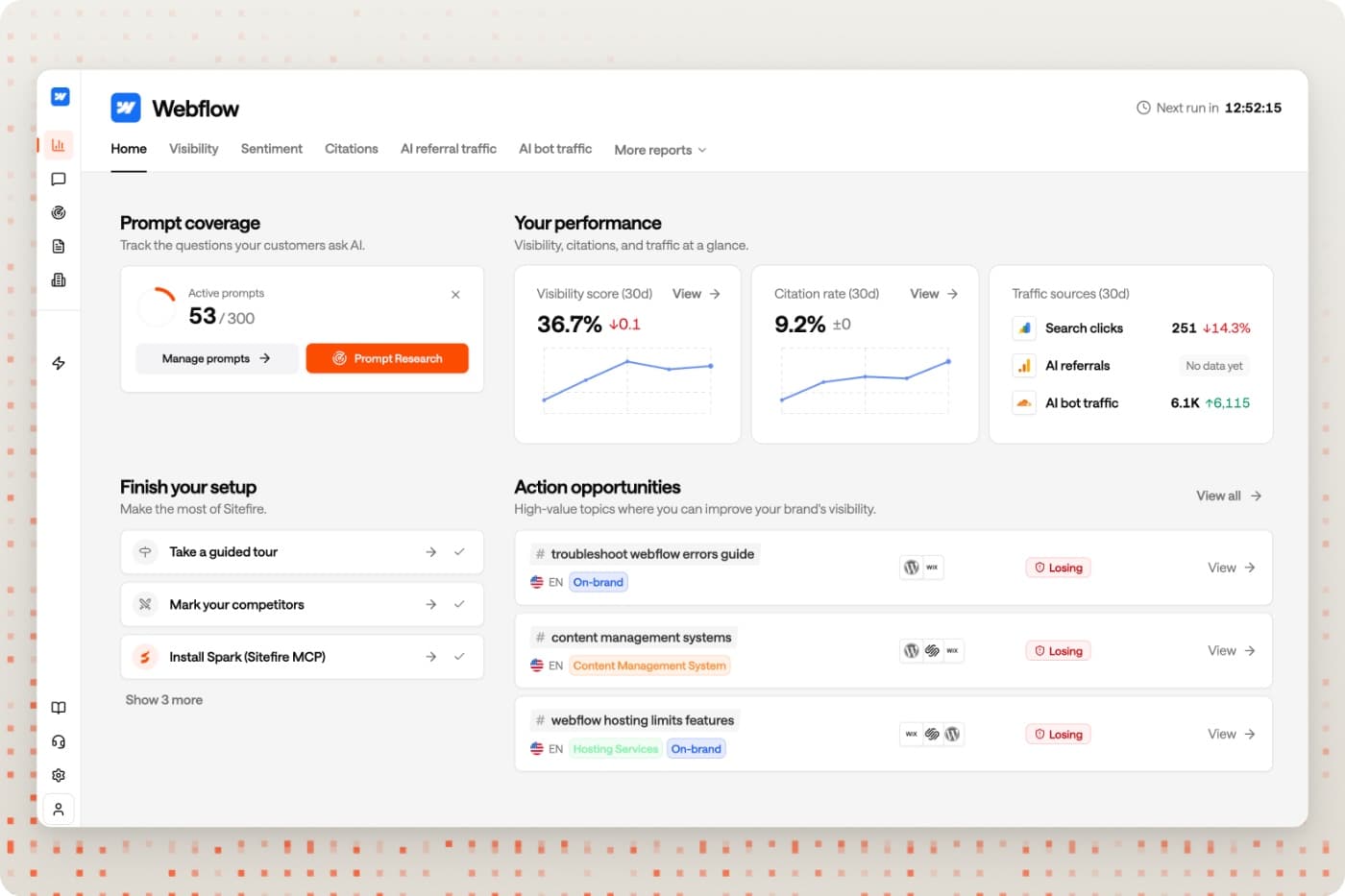
The rest of this update is about your prompts, the unit of work in Sitefire. You can now organize them with multiple tags, open any single prompt to see its full history, and segment them by audience persona.
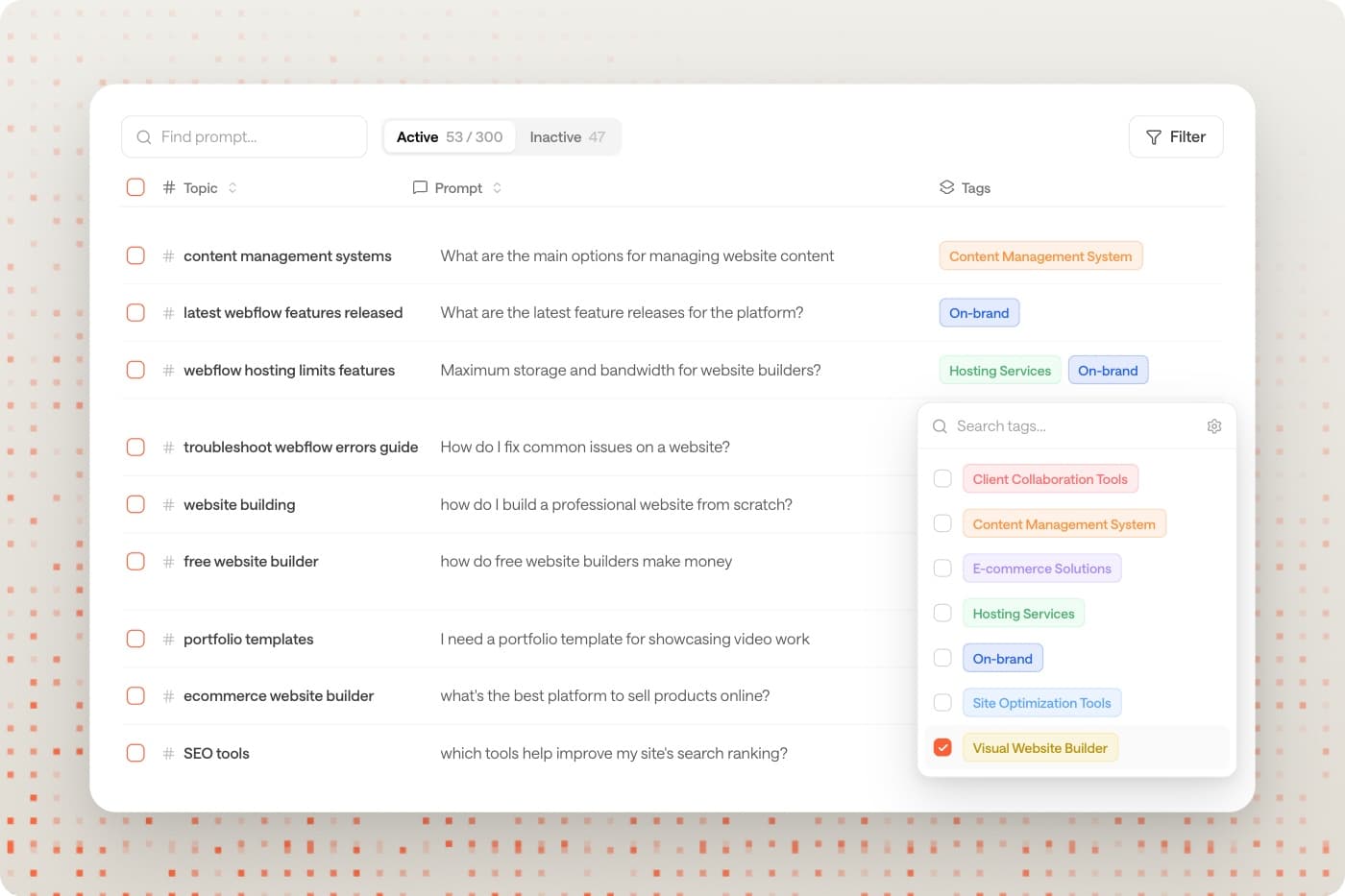
One prompt, as many tags as you need
Prompts used to fit in a single category. Now they take multiple tags, so you can organize the same prompt by topic, product line, or however else you think about your market, then filter, group, and bulk-tag across the Prompts table and every dashboard.
Every account also gets an On-brand tag, applied automatically to prompts that mention your brand, including all of your existing prompts.
Open any prompt to see its full history
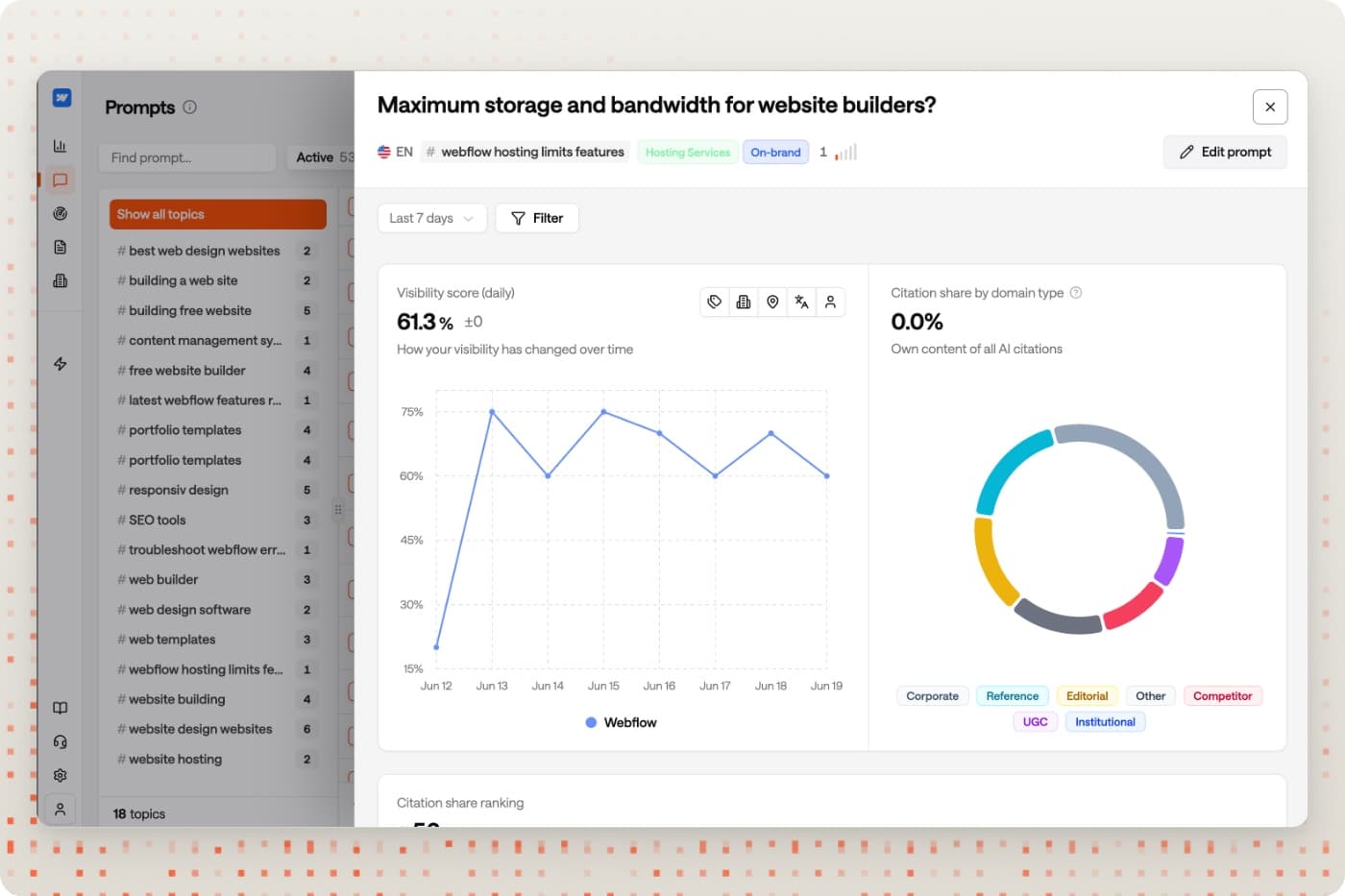
Clicking a prompt now opens a detail panel where you see the prompt’s visibility over time, which domains get cited for it, the competitor ranking, and all historic AI answers, with a toggle to show only the answers that mention your brand.
It is the fastest way to answer “what is actually happening with this one prompt” without losing your place.
See how AI answers change by audience
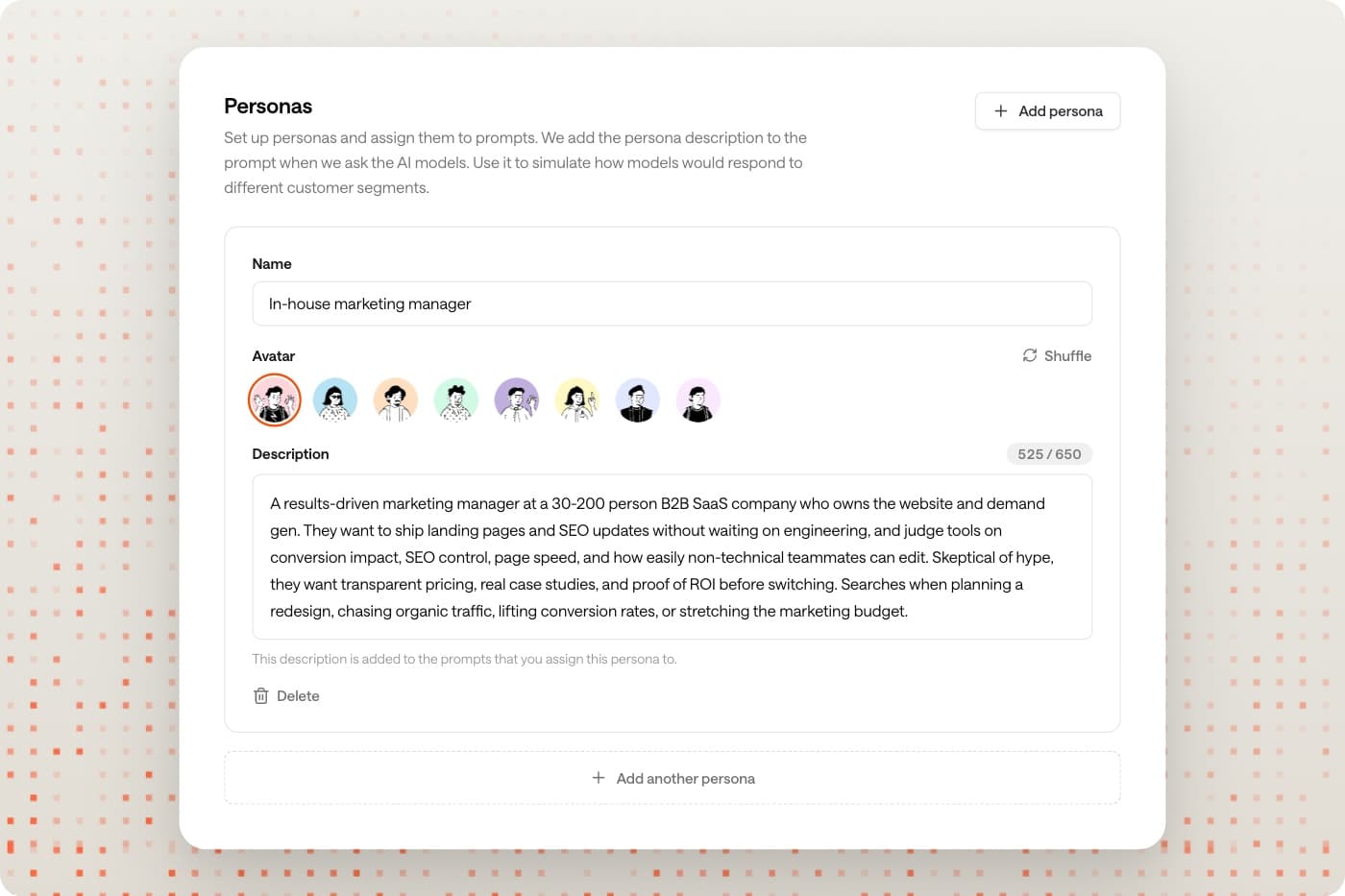
Requires Sitefire ProYou can now create personas in Settings, give each a short description of who they are, and assign them to prompts. We use this to personalize the prompt we send to the AI models, so you can see how the answer changes for, say, a VP of Sales versus a Staff Engineer.
We suggest personas, so you can add a relevant one in a click and adjust it. Once assigned, persona becomes a filter across Visibility, Citations, Prompts, and Content.
Upgrade to Pro to use Personas →
Coming up are many UI and performance improvements to the Sitefire platform, as well as a brand new AI Sentiment module. Stay tuned.